I earlier did some experimenting with using gcc to cross-compile C code for the embedded TS2 board. I recently spent a few hours making a longer example, and hooking it up to some of the TUTOR ROM routines.
I earlier built the GNU assembler, and while I was at it I also built the gcc compiler.
In this "bare metal" setup, there is no C run-time library so you can't call routines like printf() to do output. You can't even write code that might require external routines to do things that the 68000 can't do directly, like multiplying 32-bit integers.
My example code can be found here and includes a make file.
The basic steps are to first compile for the 68000 and no standard library. I used this command line:
m68k-elf-gcc -Wall -nostdlib -nodefaultlibs -m68000 -c demo.c
This produces an object file, demo.o. Next, you can link it. I used linker options to specify the addresses for the different sections that would work on my TS2 board. I also found I had to define the symbol _start to point to main to avoid a warning. This was the command line I used:
m68k-elf-ld --defsym=_start=main -Ttext=0x2000 -Tdata=0x3000 -Tbss=0x4000 --section-start=.rodata=0x5000 demo.o
This produces an ELF format excecutable called a.out. You can then generate an S record or Motorola hex file for downloading using a command like this:
m68k-elf-objcopy -I coff-m68k -O srec a.out demo.run
If you wanted to see the assembler output of the C compiler, we could have compiled with the -S option, as below, to produce a file demo.s:
m68k-elf-gcc -Wall -nostdlib -nodefaultlibs -m68000 -S demo.c
Given the S record file, we can directly download it to the TS2 using the TUTOR monitor's LO command, and then execute it.
To be able to produce output, I wrote some simple code to call TUTOR's firmware routines, which are accessed by a TRAP #14 instruction.
For example, to pass control to the TUTOR monitor you call function 228, by passing this value in register D7 and calling TRAP #14. Here is the code to do it in C using some in-line assembler code:
// Go to the TUTOR monitor using trap 14 function. Does not return.
void tutor() {
asm("move.b #228,%d7\n\t"
"trap #14");
}
To do output to the console I wrote a short routine that takes a character and calls TUTOR's OUTCH call which writes a character to the console. The code to do it is as follows:
// Print a character using the TUTOR monitor trap function.
void outch(char c) {
asm("movem.l %d0/%d1/%a0,-(%sp)\n\t" // Save modified registers
"move.b #248,%d7\n\t" // OUTCH trap function code
"trap #14\n\t" // Call TUTOR function
"movem.l (%sp)+,%d0/%d1/%a0"); // Restore registers
}
The code could be improved and made more robust, for example not
relying on the fact that gcc puts the passed parameter in register D0. But this worked well for a quick demo. I then wrote a routine in C to print a string by calling outch() for each character in the string:
// Print a string.
void printString(const char *s) {
while (*s != 0) {
outch(*s);
s++;
}
}
I wrote another routine in C to print a number in decimal. Both this and the previous routine could be implemented more efficiently by calling routines in TUTOR that can already do this.
The example program prints numbers from 1 to 7 along with their squares, value to the fourth power, and factorial. I stopped at 7 because I needed to use 16-bit short integers to avoid the need for run-time math routines and 7 factorial was the largest value that would fit in 16-bits.
Here is the output when run from the monitor:
TUTOR 1.3 > GO 2000
PHYSICAL ADDRESS=00002000
Start
n n^2 n^4 n!
1 1 1 1
2 4 8 2
3 9 27 6
4 16 64 24
5 25 125 120
6 36 216 720
7 49 343 5040
Done
At some point in the future I might implement more routines, and then try building some larger applications like an interactive text adventure game that I wrote some time ago.
An update: By linking to libgcc, the compiled code can do 32-bit integer math and support the C "int" type. It can even do floating point math using the soft float support (although that make the code quickly become quite large). I've updated the code and make file accordingly. There is still no C run-time library for routines like printf(), but I am looking at some options for this that I will describe in a future blog post.
Showing posts with label Motorola TUTOR. Show all posts
Showing posts with label Motorola TUTOR. Show all posts
Thursday, May 25, 2017

Saturday, May 20, 2017
Building a 68000 Single Board Computer - Programming Examples
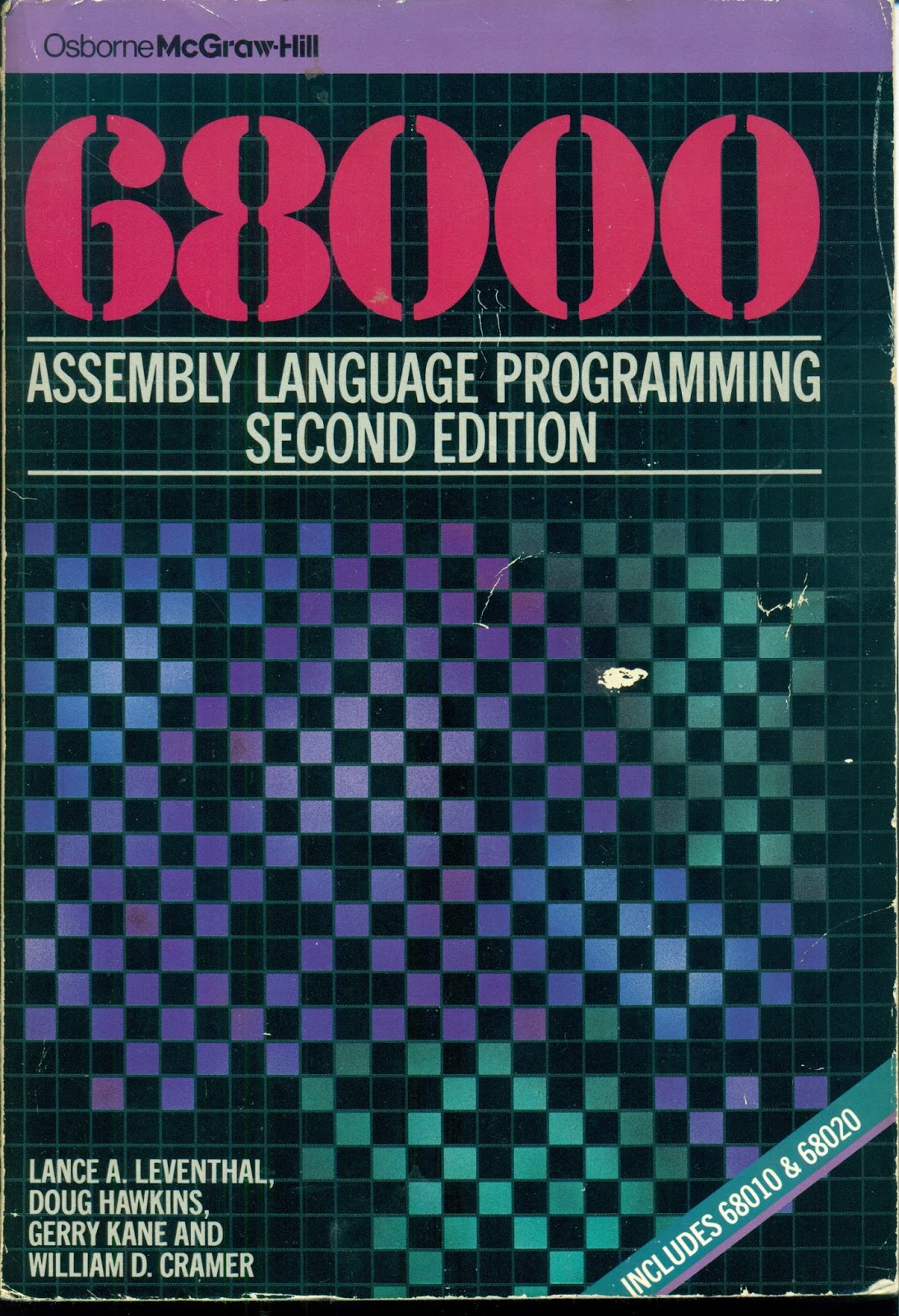
I earlier mentioned the book 68000 Assembly Language Programming, Second Edition, by Lance A. Leventhal, Doug Hawkins, Gerry Kane, and William D. Cramer. The book has many complete programming examples listed in it that help explain 68000 programming.
The book recommends entering and running the programs ona 68000-based system. I've been doing that, and it makes the code much clearer than simply reading the text. With the 68000 TUTOR software it is very easy to disassemble code in memory, display amd enter memory values, and run the program examples. I typically step through the code an instruction at a time using the trace function, looking at the values of the registers and selected memory locations.
Here is a typical disassembly of some example code:
TUTOR 1.3 > MD 4000 24 ;DI
004000 307C6001 MOVE.W #24577,A0
004004 7003 MOVEQ.L #3,D0
004006 4281 CLR.L D1
004008 4282 CLR.L D2
00400A 6008 BRA.S $004014
00400C D241 ADD.W D1,D1
00400E 3601 MOVE.W D1,D3
004010 E54B LSL.W #2,D3
004012 D243 ADD.W D3,D1
004014 1418 MOVE.B (A0)+,D2
004016 D242 ADD.W D2,D1
004018 51C8FFF2 DBF.L D0,$00400C
00401C 33C100006004 MOVE.W D1,$00006004
004022 4E75 RTS
While I could enter the programs as hex data from the text, or use TUTOR's built-in assembler, I have been entering the source code on a Linux computer and cross-assembling it using the VASM assembler. Then I can load the Motorola hex (run) file generated by the assembler into the TS2 computer over the serial port.
Here is the source code corresponding to the disassembly above:
DATA EQU $6000
PROGRAM EQU $4000
STRING EQU $6001 ADDRESS OF FOUR DIGIT BCD STRING
RESULT EQU $6004 ADDRESS OF RESULT
ORG PROGRAM
PGM_7_4A MOVEA.W #STRING,A0 POINTER TO FIRST BCD DIGIT
MOVEQ #4-1,D0 NUMBER OF DIGITS(-1) TO PROCESS
CLR.L D1 CLEAR FINAL RESULT - D1
CLR.L D2 CLEAR DIGIT REGISTER
BRA.S NOMULT SKIP MULTIPLY FIRST TIME
LOOP ADD.W D1,D1 2X
MOVE.W D1,D3
LSL.W #2,D3 8X = 2X * 4
ADD.W D3,D1 10X = 8X + 2X
NOMULT MOVE.B (A0)+,D2 NEXT BCD DIGIT,(D2[15-8] UNCHANGED)
ADD.W D2,D1 ADD NEXT DIGIT
DBRA D0,LOOP CONTINUE PROCESSING IF STILL DIGITS
MOVE.W D1,RESULT STORE RESULT
RTS
END PGM_7_4A
The VASM assembler is almost entirely compatible with the Motorola assembler and I have had to make only a very few changes to the code listed in the book. I did find a couple of errors, too.
So far I have entered almost four chapters worth of examples, just over thirty programs. I have placed the code on my github account. I'll continue doing so until I either get bored or finish the examples.
Subscribe to:
Posts (Atom)